Automated Motion Tracking with Zero Blank Borders
Say goodbye to manual keyframing and black letterbox edges. Our intelligent tracking engine automatically detects subjects in motion and dynamically auto-scales every frame so your action stays perfectly centered with 100% full canvas coverage.
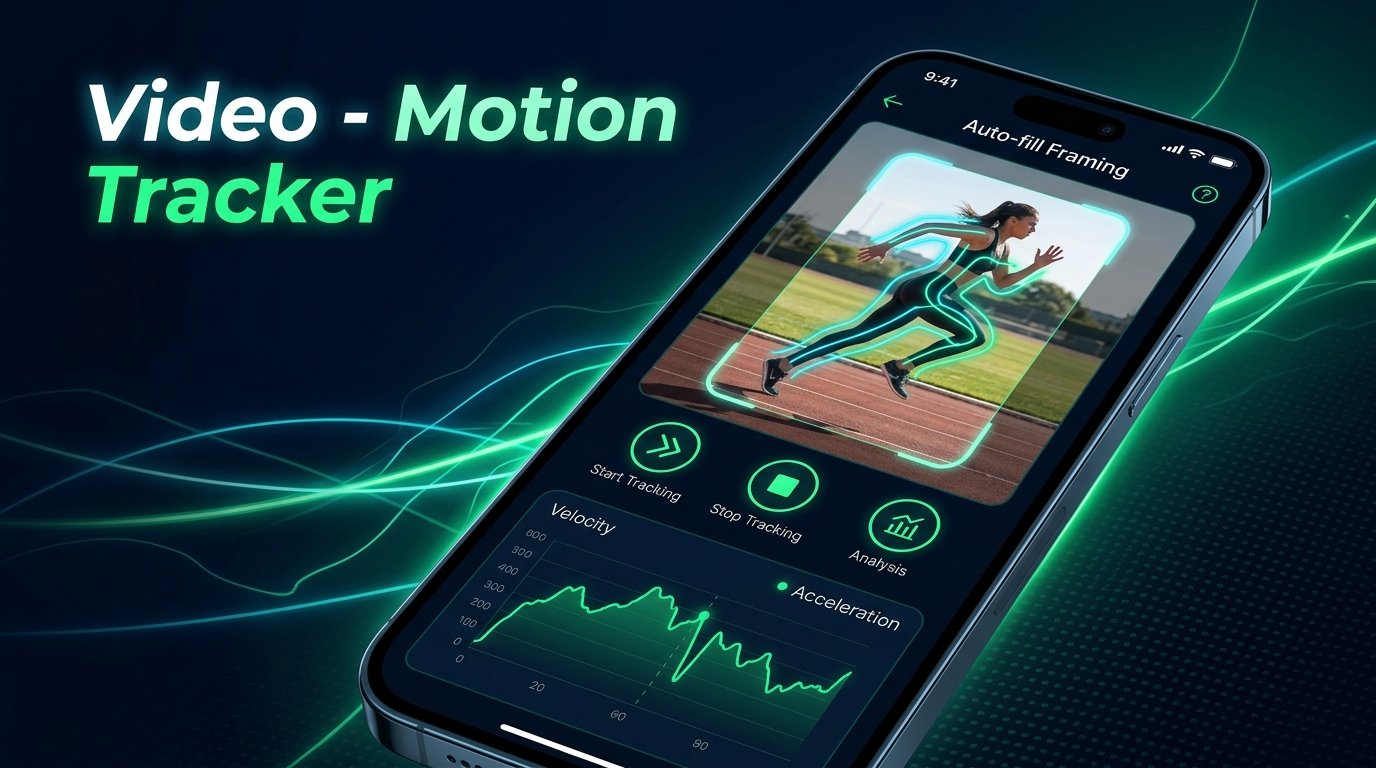
Dynamic Auto-Scale
Active Motion Centered • 0% Black Edges
Hardware Export
60 FPS • Lossless Audio Passthrough
See Auto-Fill Motion Tracking in Action
Toggle between Original static crop and Motion Tracked view to experience how dynamic scaling keeps your moving subject in full view without exposing black borders.
Live Viewport Preview
Simulating runner moving dynamically across the frame
Built for Creators, Athletes & Editors
Professional-grade camera reframing and object tracking packed into a lightweight, intuitive Android application.
Intelligent Subject Tracking
No manual keyframing or tedious marker dragging required. The automated tracking engine recognizes motion trajectories and smoothly locks on target.
Dynamic Auto-Fill (Zero Gaps)
When the camera shifts, the video automatically scales in real time to continuously cover 100% of the screen. Zero black, transparent, or uncovered borders.
Hardware-Accelerated MP4 Export
GPU-powered OpenGL ES 2.0 rendering paired with Android MediaCodec delivers blazing-fast hardware rendering with lossless original audio passthrough.
Zero Storage Permissions
Built with Android's privacy-preserving system Photo Picker. Your personal videos are never uploaded to any remote server and remain private on your device.
Bilingual (English & हिंदी)
Switch seamlessly between standard English and conversational, everyday Hindi (बोलचाल की हिंदी) anytime from the quick settings menu.
Frame-by-Frame Timeline
Inspect motion with micro-precision. Step individual frames backward and forward, seek to any timestamp, and toggle Original vs Tracked mode with one tap.
From Upload to Export in Seconds
Create CapCut-style stabilized motion tracks without complicated desktop editing software.
Select Your Video
Pick any portrait (9:16), landscape (16:9), or square video from your phone's gallery using the zero-permission Android Photo Picker.
Auto-Track Active Motion
Tap "Track Motion". The engine analyzes moving regions, centers active movement, and calculates dynamic zoom buffers across all frames.
Preview & Hardware Export
Review the result in 60 FPS real-time playback. Export an ultra-crisp MP4 with lossless audio, saved directly to your Movies folder.
Your Videos Never Leave Your Device
Unlike cloud-based editing apps that upload your private videos to third-party servers, Video - Motion Tracker performs 100% of motion tracking, affine transformations, and MP4 rendering locally on your device's GPU and hardware encoders.
- No video uploads: Zero cloud servers or media storage.
- No broad storage access: Fully compliant with Google Play Photo & Video policy.
- No account required: Open the app and start tracking immediately.
Google Play Verified
Complies with Google Play Console Developer Policies, Scoped Storage standards, and Advertising ID guidelines.
Got Questions? We've Got Answers
Learn more about how Video - Motion Tracker works under the hood.
Traditional video stabilizers or manual motion tracking tools translate the video frame around, exposing unsightly black or transparent borders around the edges. Our app dynamically computes the exact geometric scale required on every single frame so that even with motion compensation, the video frame always stays 100% full-bleed.
No! The tracking engine automatically analyzes inter-frame optical flow and temporal differences to identify moving subjects (like runners, dancers, vehicles, or sports players) across the entire video automatically.
Exported videos are automatically saved to your phone's public Movies/MotionTracker folder via Android's MediaStore. They will immediately appear in your Google Photos, Samsung Gallery, or default video player app.
Never. 100% of frame processing, optical flow analysis, and hardware video encoding happens locally on your Android device. We have zero video servers and never collect your media files.
When you first launch the app, a language selection prompt lets you choose English or Hindi. You can also tap the Settings gear icon at the top-right of the screen at any time to switch languages instantly.